

✨ Explore this awesome post from Hacker News 📖
📂 Category:
✅ Main takeaway:

Bring your dotfiles to a remote machine via SSH without mess.
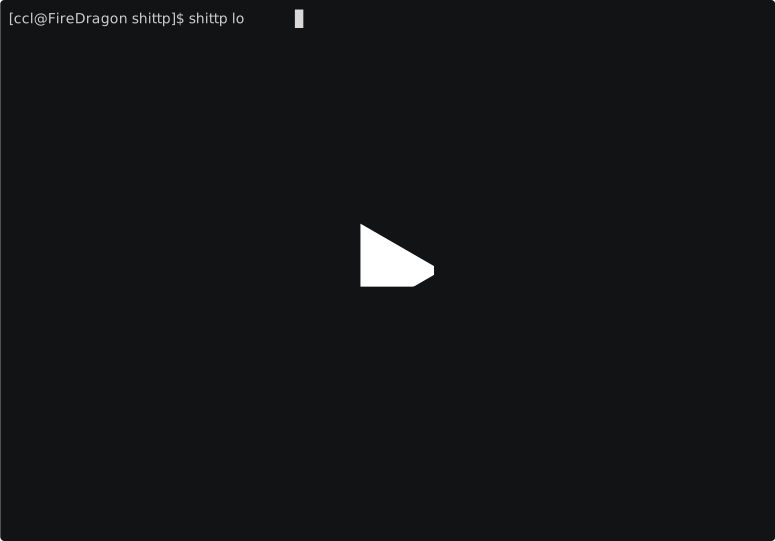
Required dependencies: POSIX shell, ssh, tar, base64, mktemp
curl -fsSL https://raw.githubusercontent.com/FOBshippingpoint/shittp/refs/heads/main/install.sh --output install.sh
chmod +x install.sh
./install.sh
-
Edit your dotfiles in
~/.config/shittpcd ~/.config/shittp echo 'aloha() Tell us your thoughts in comments!' >> .profile $EDITOR .vimrc $EDITOR .tmux.conf
-
Login to remote host with SSH:
shittp john@other.machine
john$ aloha  # output: hello
john$ vim    # alias equal to "vim -u $SHITTP_HOME/.vimrc"
john$ tmux   # alias equal to "tmux -L shittp -f $SHITTP_HOME/.tmux.conf"
Or Docker container:
docker run -it alpine /bin/sh -c "$(shittp print)"
$ aloha    # output: hello
- Pack: create a tarball of your dotfiles and pipes to base64 string.
- Transport: passing the base64 string and setup script as a SSH remote command.
- Unpack: on the remote, decodes base64 string and extracts to temp directory.
- Init: sources setup script and start an interactive shell.
- Cleanup: remove temp directory once disconnect.
The original idea comes from kyrat, which uses gzip/gunzip and bash. shittp uses tar and POSIX shell.
shittp [options]... [command] [ssh_options]... destination [-- ssh_command]
| Option | Description | Default |
|---|---|---|
-h, --help |
Show help message. | |
--config-dir DIR |
Specify config directory. | ~/.config/shittp |
--client CLIENT |
Specify SSH client command (e.g., dbclient). |
ssh |
-v, --version |
Print shittp version. |
| Command | Description |
|---|---|
where |
Show the default config directory path. |
print |
Output the command string instead of running SSH. Useful for loading dotfiles in environments like Docker. |
Basic SSH Login
Pass SSH options as is
shittp -oStrictHostKeyChecking=no john@example.com
Execute Remote Function
shittp john@example.com -- foo bar
shittp -oRemoteCommand='foo bar' john@example.com
Docker Integration
docker run -it alpine /bin/sh -c "$(shittp print)"
Dropbear Client
shittp --client dbclient john@example.com
| Variable | Scope | Description | Default |
|---|---|---|---|
SHITTP_CONFIG_DIR |
Local | Directory where your dotfiles live. | ~/.config/shittp |
SHITTP_SSH_CLIENT |
Local | SSH client path (overridden by --client). |
ssh |
SHITTP_SHELL |
Local/Remote | Shell path to use on the remote. | Remote login shell |
SHITTP_HOME |
Local/Remote | Directory to extract dotfiles tarball into. | Created temp directory |
SHITTP |
Remote | Path to shittp_init.sh. Source this if [shittp] Inited does not appear. |
|
SHITTP_INITED |
Remote | Set to 1 if shittp initialized successfully. |
Large cofig may fail to load due to the OS maximum argument length constraint (ARG_MAX). It is known that 100K file will trigger the error on Alpine Linux.
Command like tar czf - | ssh host tar xzf - should work, however this requires 2-stage SSH connection which means user need to type passphrase twice.
Required dependencies: shellcheck, shellspec, docker
Specify a command. The choices are:

  help                 Show this help
  lint                 Run shellcheck
  unit                 Run unit test with shellspec
  integration          Run integration test script
  webdev               Start web server for home page
  build                Run all check (lint, unit, integration) and build tarball
  clean                Remove shittp tarball from the build step
⚡ What do you think?
#️⃣ #FOBshippingpointshittp #Bring #dotfiles #remote #machine #SSH
🕒 Posted on 1766323033
